


Most people think of search as something you do with words. You type a question into a box and wait for an answer. But a huge amount of the information we encounter every day is visual, not textual, and sometimes the fastest way to find something is to search with a picture instead of a sentence. That is where image search techniques come in, and understanding how they work can save you time, help you verify facts, and open up a whole different way of exploring the internet.
What Image Search Actually Means
At its core, image search is the process of finding information using a picture as the starting point, rather than typed keywords. This could mean uploading a photo to find its source, taking a screenshot of a product to locate where it’s sold, or using a picture of a plant to identify its species. Search engines and specialized tools analyze the visual content of the image itself, comparing shapes, colors, patterns, and other details against a massive index of other images online.
This is different from a normal text search in one important way: instead of matching words, the system is matching visual features. It looks at things like edges, textures, color distribution, and object shapes, then tries to find images that share enough of those characteristics to be considered a match. Once it identifies similar images, it can also pull related text, links, and context from the pages where those images appear.
Why People Use Image Search
There are countless everyday situations where a picture is simply more useful than words. Someone might see a piece of furniture in a café and want to know where to buy it. A student might photograph a plant during a hike and want to identify it on the spot. A shopper might screenshot an outfit from a video and want to find similar items at a lower price. In all these cases, describing the object in words would be slow and imprecise, while a photo captures everything instantly.
Journalists and researchers also rely heavily on image search techniques to verify whether a photo is authentic or has been used out of context before. This has become especially important as misleading images spread quickly on social media. By tracing an image back to its source, it becomes much easier to check when and where it was first published, which helps separate real events from recycled or manipulated content.
Reverse Image Search Explained
Reverse image search is probably the most well-known of all image search techniques. Instead of typing a query, you upload an image or paste its URL, and the search engine looks for visually similar images across the web. This method is incredibly useful for tracking down the source of a photo, finding higher-resolution versions, or discovering where else an image has appeared online.
Reverse search works by breaking an image down into a kind of digital fingerprint. The engine analyzes patterns like shapes, colors, and structural details, then compares that fingerprint against billions of indexed images to find close matches. The more distinctive the image, the more accurate the results tend to be. A close-up photo of a rare object will usually return sharper matches than a blurry, generic picture of something common like a plain wall or an empty sky.
Visual Search on Mobile Devices
With the rise of smartphones, visual search has become far more accessible than it used to be. Instead of taking a screenshot and uploading it separately, many phones now let you point the camera directly at an object and search for it instantly. This kind of on-the-spot searching has changed how people shop, travel, and learn.
For example, someone walking through a foreign city can point their camera at a street sign or menu and get an instant translation layered over the image. A shopper can photograph a pair of shoes and immediately see where to buy them and at what price. These mobile-first image search techniques rely on the same underlying visual matching principles as traditional reverse search, but they are optimized for speed and convenience, often returning results within a second or two.
Object Recognition and Its Role in Search
A major building block behind modern visual search is object recognition, which is the ability of a system to identify specific items within a photo. Rather than treating an entire image as one single unit, object recognition breaks it apart, identifying a chair here, a lamp there, and a rug in the corner, all within the same picture.
This matters because it allows for much more precise searching. If someone uploads a photo of a living room, object recognition allows the system to isolate individual items and offer to search for each one separately. This is especially valuable in shopping contexts, where a single photo might contain several products that a person is interested in purchasing individually rather than as a whole scene.
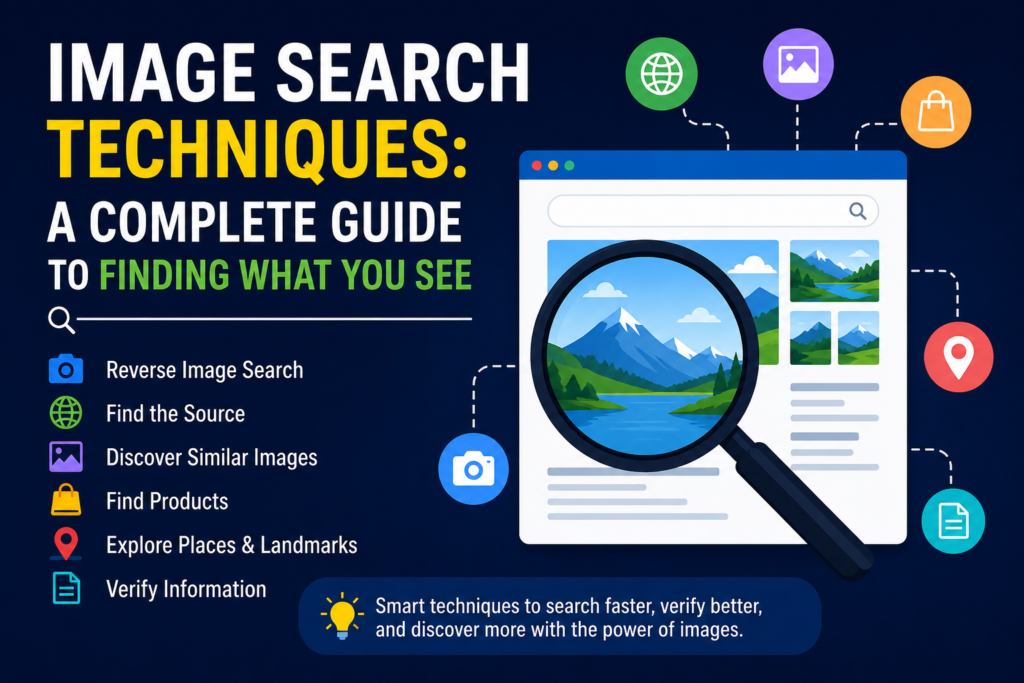
Image Search Techniques have become an essential part of modern internet searches, helping users find information through photos instead of text. Learning different Image Search Techniques can make it much easier to identify objects, verify images, and discover similar content online. As technology continues to evolve, Image Search Techniques are becoming more accurate, faster, and increasingly useful for everyday tasks.
Color and Pattern Matching
Another technique used in visual search involves matching based purely on color palettes and repeating patterns. This is particularly useful in design, fashion, and home décor searches, where the overall aesthetic often matters more than the exact object itself.
For instance, someone designing a room might search for wallpaper with a similar color scheme to a photo they liked, even if the actual pattern is completely different. Pattern matching works by analyzing the arrangement and repetition of visual elements, allowing the system to find images that feel similar in style even when the subject matter varies. This kind of flexible matching sets certain visual matching methods apart from more rigid, object-based approaches.
Using Image Search for Shopping
Online shopping has become one of the biggest drivers behind the growth of visual search tools. Instead of trying to describe a product in words, which can be surprisingly difficult for something like a specific shade of green or an unusual sleeve style, shoppers can simply upload a photo and let the system find matching or similar products.
Retailers have picked up on this trend and built dedicated visual search features into their apps and websites. A person can photograph an item they already own, upload it, and instantly see comparable products available for purchase. This removes a lot of the friction from online shopping and has made image-based product discovery a standard feature rather than a niche tool.
Verifying News and Detecting Misleading Images
Beyond shopping and identification, image search techniques play a serious role in fact-checking and media literacy. When a dramatic photo circulates online claiming to show a current event, a reverse search can often reveal that the same image was actually taken years earlier or in a completely different location.
This process works by comparing the image against previously indexed copies, which may reveal earlier publication dates, different captions, or entirely unrelated contexts. Journalists, researchers, and even everyday internet users increasingly use this approach before sharing images, since it takes only a few seconds and can prevent the spread of false information. In an era where visuals are easy to manipulate or repurpose, this verification step has become an essential habit for responsible sharing.
Tips for Getting Better Results
Getting accurate results from a visual search often comes down to the quality of the image you start with. Blurry, poorly lit, or heavily cropped photos tend to produce weaker matches, since the system has less clear detail to work with. Where possible, using a clear, well-lit image with the subject centered and unobstructed will generally produce more reliable results.
It also helps to isolate the subject of interest whenever you can. If you are trying to identify a specific object within a busy scene, cropping the photo down to just that object often improves accuracy significantly. Search engines are getting better at recognizing objects within cluttered backgrounds, but a focused image still tends to outperform a cluttered one. Combining a photo with a few descriptive keywords, when the option is available, can also narrow down results and reduce irrelevant matches.
The Technology Behind the Scenes
Behind every visual search result is a combination of machine learning models trained to recognize patterns across enormous datasets of images. These systems learn to associate certain visual features with categories, objects, or even specific brands, allowing them to make increasingly accurate predictions over time.
As these models are exposed to more data, they become better at distinguishing subtle differences, such as identifying a specific dog breed rather than just labeling something as “a dog.” This continuous refinement is part of why image search techniques have improved so dramatically over the past several years, moving from fairly basic color and shape matching to highly detailed object and context recognition.
Everyday Applications Beyond the Obvious
While shopping and fact-checking tend to get the most attention, visual search has quietly become useful in many other areas of daily life. Gardeners use it to identify unfamiliar plants or diagnose issues affecting their crops. Travelers use it to translate signs or identify landmarks without needing to know the local language. Even in education, students use image-based tools to identify historical artifacts, animal species, or architectural styles for research projects.
This versatility is part of what makes visual search technology so valuable. They are not limited to a single industry or use case but instead apply broadly wherever visual information needs to be matched, identified, or traced back to its source.
Final Thoughts
Searching with images rather than words has moved from a niche capability to an everyday tool that many people rely on without even thinking twice about it. Whether it’s identifying a plant, verifying a news photo, or finding where to buy a jacket someone spotted on the street, these methods have made information far more accessible in situations where words simply fall short.
As the underlying technology continues to improve, these tools are likely to become even faster and more accurate, further blurring the line between what we can describe and what we can simply show. Understanding how image search techniques work, and how to use them effectively, is a genuinely useful skill in a world where so much of what we want to know starts with something we saw rather than something we can easily put into words.
Frequently Asked Questions
Is reverse image search the same as regular visual search? Not exactly. Reverse image search specifically refers to uploading an image to trace its origin or find matching copies online, while visual search is a broader term that includes object recognition, color matching, and camera-based searching on mobile devices.
Why do some image searches return poor or unrelated results? This usually comes down to image quality. Blurry photos, heavy cropping, cluttered backgrounds, or low lighting all make it harder for the system to extract clear visual features, which leads to weaker matches.
Can image search identify people? Most mainstream tools intentionally limit or avoid facial identification for privacy reasons. They are generally built to recognize objects, scenes, landmarks, and products rather than specific individuals.
Does image search work offline? No, since these tools rely on comparing an image against a massive online index. Without an internet connection, there is nothing for the system to match the photo against.
Is visual search only useful for shopping? Not at all. While shopping is a major use case, the same techniques are widely used for identifying plants and animals, translating text, verifying news photos, and researching historical or architectural details.
